When an electric buggy plays up, it's easy to fear the worst. In practice, most golf buggy faults are simpler than they feel, and a lot of them share the same root cause. Get the diagnosis order right and you'll fix the easy ones yourself and know when something needs a proper look. This guide runs through the faults we see most, what each one usually points to, and the first things worth checking before you call anyone.
Why most golf buggy faults come back to the battery
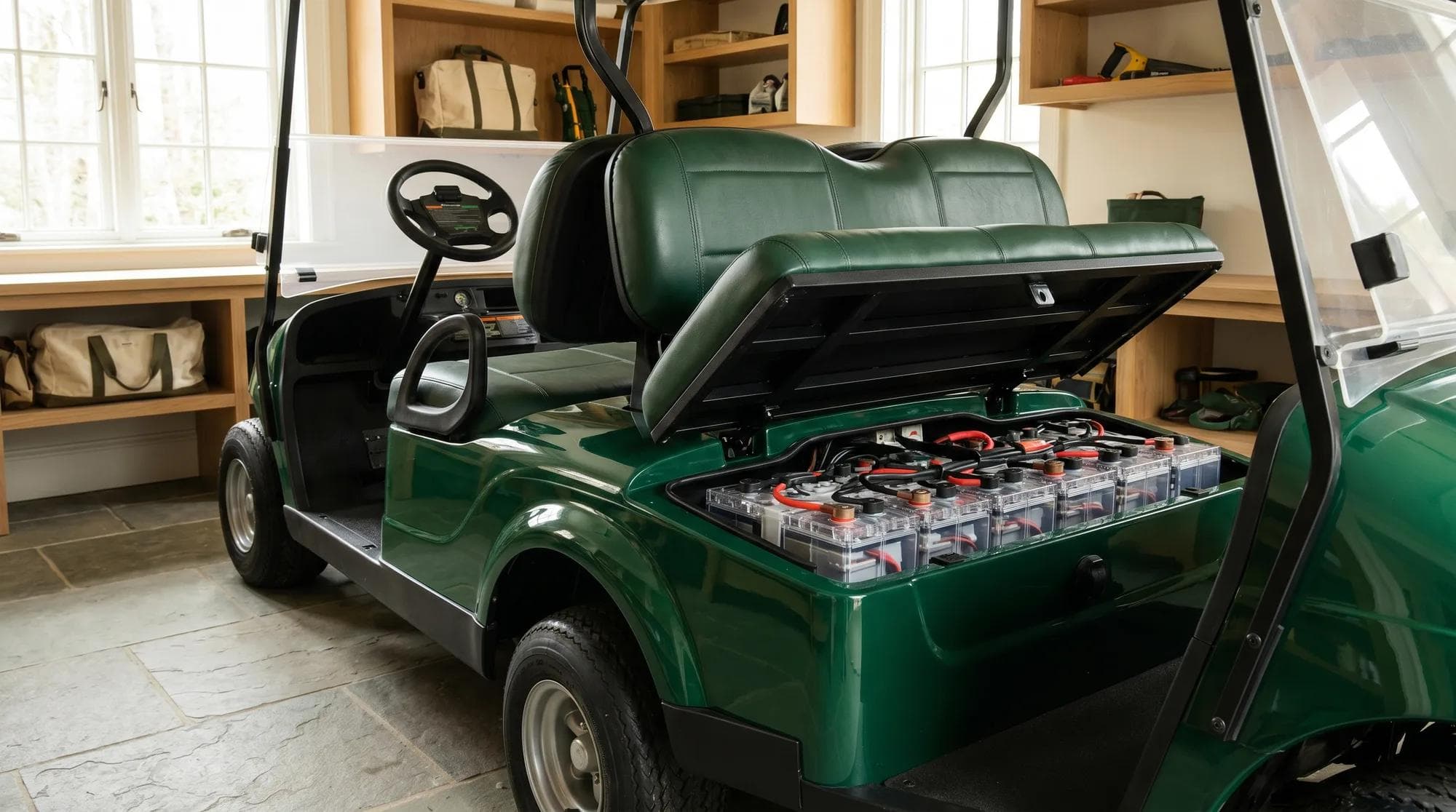
An electric buggy is a simple machine compared with a car. There's a battery, a charger, a motor, a controller and the wiring that joins them. That's most of it. Because the battery and charger sit at the heart of the system, they're behind a surprising share of the symptoms people describe. A weak pack, a loose connection or a charger that isn't doing its job will show up as a buggy that won't go, loses power, or feels sluggish. So before you chase a mechanical fault, rule the basics out first.
Golf buggy not working or won't go at all
Dead silent when you turn the key, or lights on but no movement? Work through it in order. Confirm the battery has charge, because a deeply flat pack can read as a total failure. Check the key switch and that the run/tow (or maintenance) switch is set to run, not tow. Many buggies won't drive in tow. Make sure the parking brake is fully off and you're pressing the pedal properly. Then look at the main connections at the battery: a loose or corroded terminal can cut everything stone dead.
If all of that checks out and there's still nothing, the issue is more likely the controller, a solenoid or wiring, and that's where it's worth stopping. Those aren't roadside fixes, and poking around live battery connections isn't something to take lightly.

Golf buggy loses power or feels slow and weak
A buggy that sets off fine then fades, struggles on hills, or just feels gutless is almost always telling you about its battery. As a pack ages, it holds less charge and sags under load, so the buggy runs short and slows on inclines. If the fade gets worse over a season, the battery is the prime suspect. A buggy that's only weak when nearly flat is normal: charge it fully and see if it returns.
Other culprits are worth a look too. Soft or low tyres make a buggy feel sluggish and eat into range, so check pressures first because it's free. Dragging brakes do the same. If the power loss came on suddenly rather than creeping in, that points more at a charger that isn't fully charging the pack, or a connection issue, than at a worn-out battery. Battery age sits behind most of it, so our guide on how long golf buggy batteries last is a useful companion here.
Range is the honest tell. When a full charge no longer does the day it used to, look at the battery before anything mechanical.
Golf buggy won't charge or charges slowly
If the buggy won't charge, start at the wall and work in. Confirm the socket has power and the charger is actually switched on and plugged in at both ends. Look for a charge light or display on the charger: no light at all is different from a fault light, and the charger's own indicators tell you a lot. Then check the charge port and the connection between charger and buggy, including for any corrosion or a bent pin.
Slow or incomplete charging usually means an ageing battery, the wrong charger for the pack, or a charger that's on its way out. Lead-acid packs in particular charge more slowly and hold less as they age. If the charger never reaches a full charge, the buggy will feel weak no matter how long you leave it plugged in. Getting charging right is the single biggest thing most owners can control, and our guide to charging an electric golf buggy walks through it properly.
Brakes, noises and other common faults
Not every fault is electrical. Brakes that feel spongy, drag, or pull to one side need looking at, and brakes are not the place to wait and see. A grinding or scraping noise often means worn pads or shoes. A clicking or knocking on turns can be a wheel bearing or steering component. A whine or rattle from the motor or rear end is worth getting checked before it turns into something bigger. None of these should be ignored, and most aren't sensible to bodge at home.
Squeaks, loose trim and the odd warning rattle are normal wear on a working vehicle. The judgement call is whether a noise is cosmetic or a warning. If it's new, getting worse, or comes with a change in how the buggy drives or stops, treat it as a warning.
- Likely cause
- Flat or disconnected battery, switch position, brake
- What to check first
- Charge level, key on, run/tow in run, parking brake off, battery terminals
- Likely cause
- Ageing or sagging battery
- What to check first
- Charge fully first, then tyre pressures and dragging brakes
- Likely cause
- Worn battery or soft tyres
- What to check first
- Tyre pressures, then battery age and charge
- Likely cause
- Power supply, charger or connection
- What to check first
- Wall socket, charger light, charge port and connection
- Likely cause
- Ageing battery or wrong/failing charger
- What to check first
- Charger type matches the pack, charger condition, battery age
- Likely cause
- Brake wear or adjustment
- What to check first
- Stop driving it; book a check, brakes are safety-critical
- Likely cause
- Worn pads, bearing or steering part
- What to check first
- Whether it's new or worsening; book a check
| Symptom | Likely cause | What to check first |
|---|---|---|
| Won't go at all | Flat or disconnected battery, switch position, brake | Charge level, key on, run/tow in run, parking brake off, battery terminals |
| Loses power or fades | Ageing or sagging battery | Charge fully first, then tyre pressures and dragging brakes |
| Slow and weak on hills | Worn battery or soft tyres | Tyre pressures, then battery age and charge |
| Won't charge | Power supply, charger or connection | Wall socket, charger light, charge port and connection |
| Charges slowly or never full | Ageing battery or wrong/failing charger | Charger type matches the pack, charger condition, battery age |
| Spongy or dragging brakes | Brake wear or adjustment | Stop driving it; book a check, brakes are safety-critical |
| Grinding or knocking noise | Worn pads, bearing or steering part | Whether it's new or worsening; book a check |
A regular once-over catches most of these before they strand you. If you'd like a simple routine to follow, our electric golf buggy maintenance checklist covers the checks that matter, in order.
When to fix it yourself and when to call us
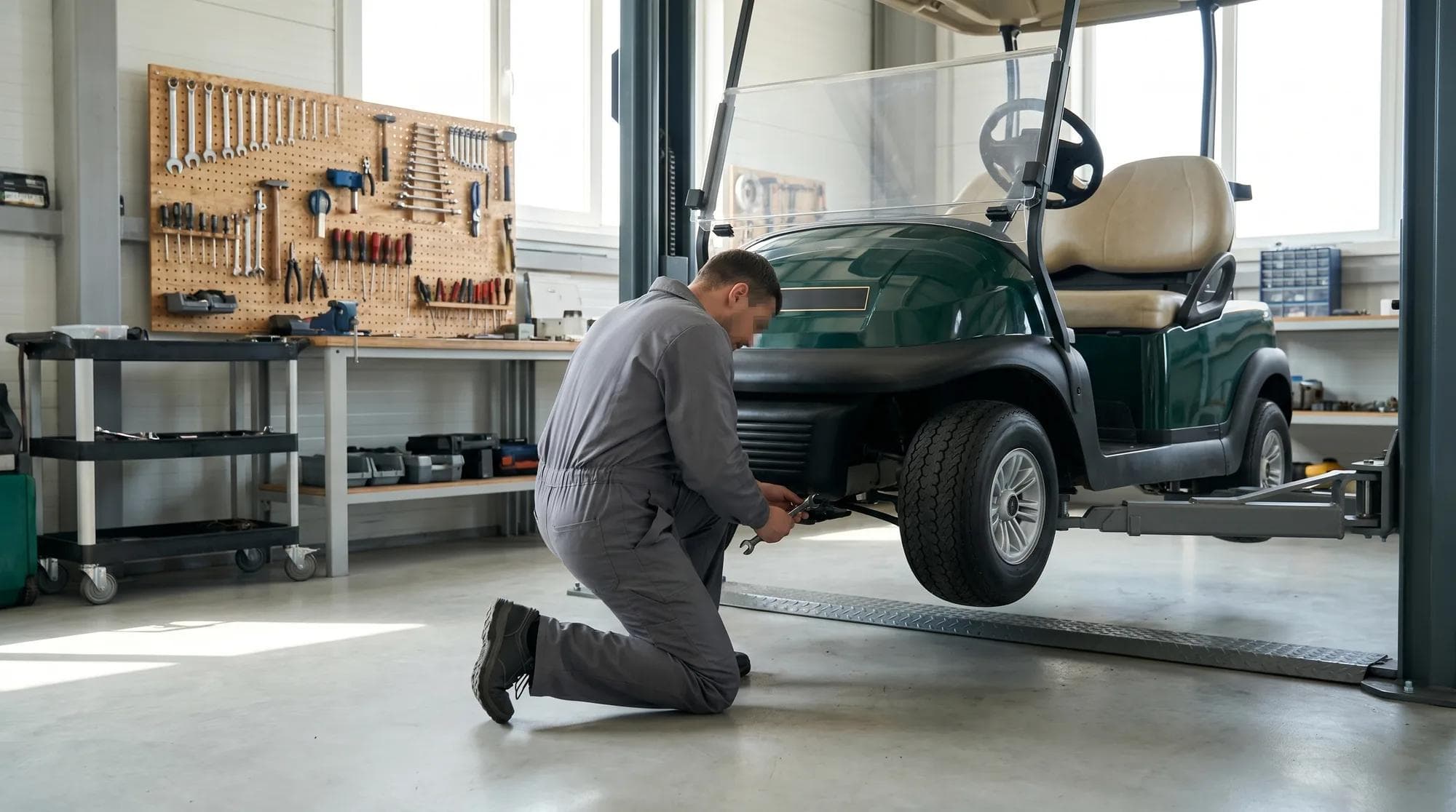
Here's the honest line. Charge level, switch positions, the parking brake, tyre pressures and a visual check of the battery connections are all fair game to check yourself. They solve a good share of faults and cost nothing. Anything past that, controllers, solenoids, wiring, the charger internals, brakes, bearings and steering, is where we'd rather you called us than guessed. Working on a live battery pack carries real risk, and a wrong move can turn a small fault into an expensive one.
Every vehicle we build comes with a 3-year warranty and 24-hour VIP call-out, so a fault doesn't have to mean downtime. If you run a fleet, a service plan keeps the whole thing maintained and means one call sorts it. You can also read how servicing, warranty and call-out work together before you need them.
Got a fault you can't shift?
Tell us what your buggy's doing and how you use it, and we'll get it sorted, whether that's a one-off fix or a service plan that keeps it right. Start with a quick conversation.
Frequently asked questions
Why won't my golf buggy go?+
Start with the basics. Check it's charged, the key is on, the run/tow switch is set to run, and the parking brake is fully off. Then check the battery terminals for a loose or corroded connection. A deeply flat or disconnected battery is the most common cause. If all of that's fine and there's still nothing, the fault is likely the controller, a solenoid or wiring, which needs a professional look.
Why does my golf buggy lose power or feel slow?+
Most often it's the battery. As a pack ages it holds less charge and sags under load, so the buggy fades and struggles on hills. Charge it fully first to rule out a low pack. If it's still weak, check tyre pressures and for dragging brakes, both of which sap power, before assuming the worst about the battery.
Why won't my golf buggy charge?+
Work from the wall in. Confirm the socket has power and the charger is on and plugged in at both ends. Look at the charger's own light or display, and check the charge port and connection for corrosion or a bent pin. If the charger shows a fault or never reaches full charge, the charger or an ageing battery is the likely culprit.
Can I fix golf buggy faults myself?+
Some, yes. Checking the charge, switch positions, parking brake, tyre pressures and the battery connections are all sensible to do yourself and fix many faults. Controllers, wiring, the charger internals, brakes, bearings and steering are not roadside fixes. Working on a live battery carries real risk, so call us for anything beyond the basics.
Is a noisy golf buggy something to worry about?+
It depends on the noise. Grinding or scraping often means worn brakes, knocking on turns can be a bearing or steering part, and a new whine from the motor is worth checking. The test is whether the noise is new, getting worse, or comes with a change in how the buggy drives or stops. If so, treat it as a warning and book a check.
Related solutions
Ready to explore what we build?
See the vehicles and the setting this applies to, or get a tailored quote built around your site.

Ready to find the right buggy?
Tell us how and where it will work and we will specify a vehicle and a tailored quote built around you. Every build comes with a 3-year warranty and a 24-hour priority call-out.
Our guides are written and reviewed by the Hawke Electric Vehicles team, the people who specify, build, deliver and support the vehicles. We focus on honest, practical advice and flag where a figure depends on the build rather than guessing.
More guides by Hawke